Screenshots
Every screenshot below is taken from the current build (v1.0.0, the shadcn
dashboard), served by the same binary that ships in releases. The instance they
came from was seeded with fictional data only — providers named provider-a,
provider-b, and provider-c, demo models, and demo API keys that are masked in
every shot. Nothing here shows a real key, account, or upstream URL.
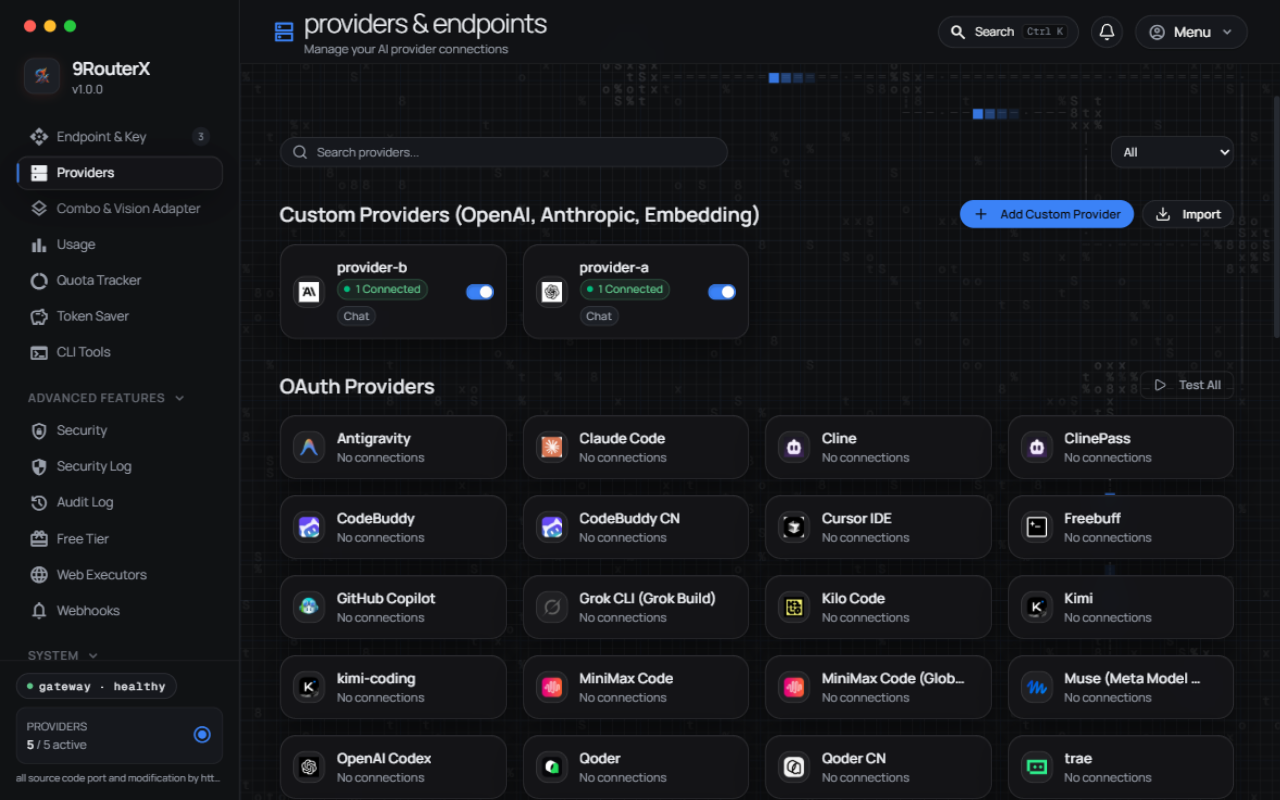
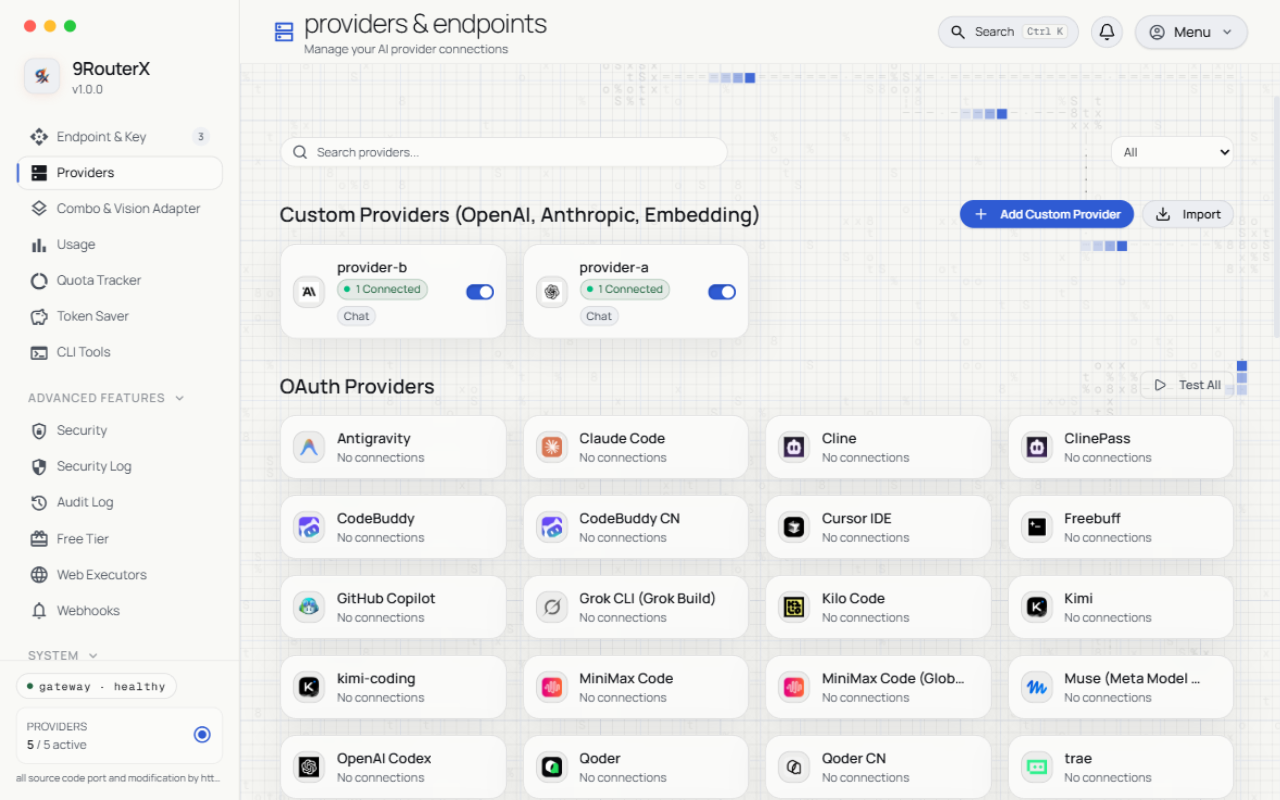
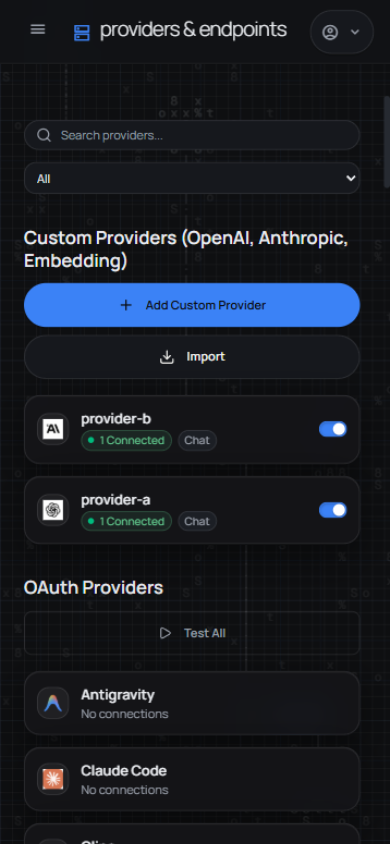
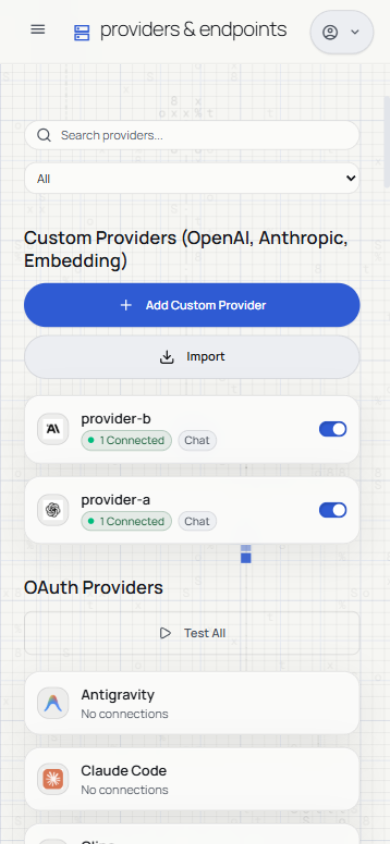
Each page was captured in dark and light themes, at desktop (1280px) and
mobile (390px) widths. Click any image to open the file under
docs/screenshots/.
Providers
Connect AI providers, browse the catalog, and manage custom OpenAI/Anthropic-compatible endpoints. Custom nodes show their connection state and protocol at a glance.
Endpoint & API keys
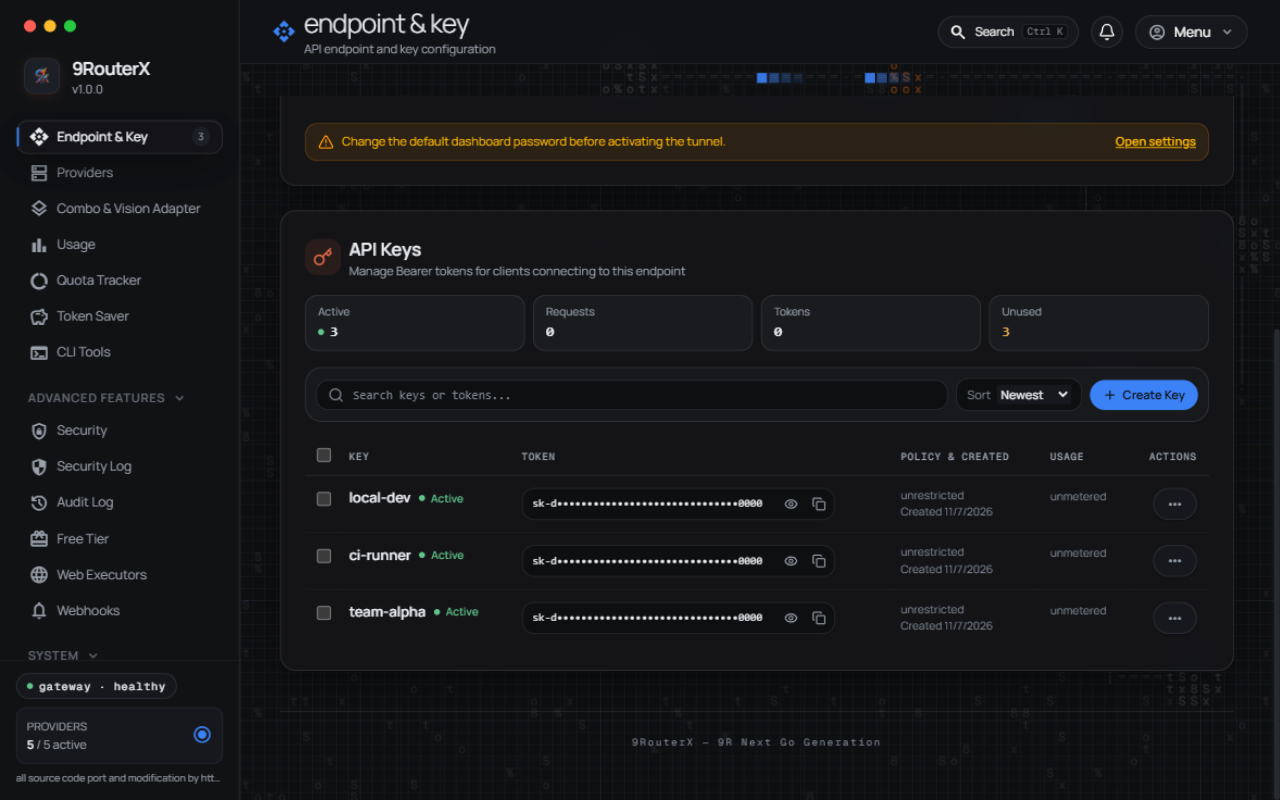
The endpoint your CLI tools point at, and the client keys they authenticate with.
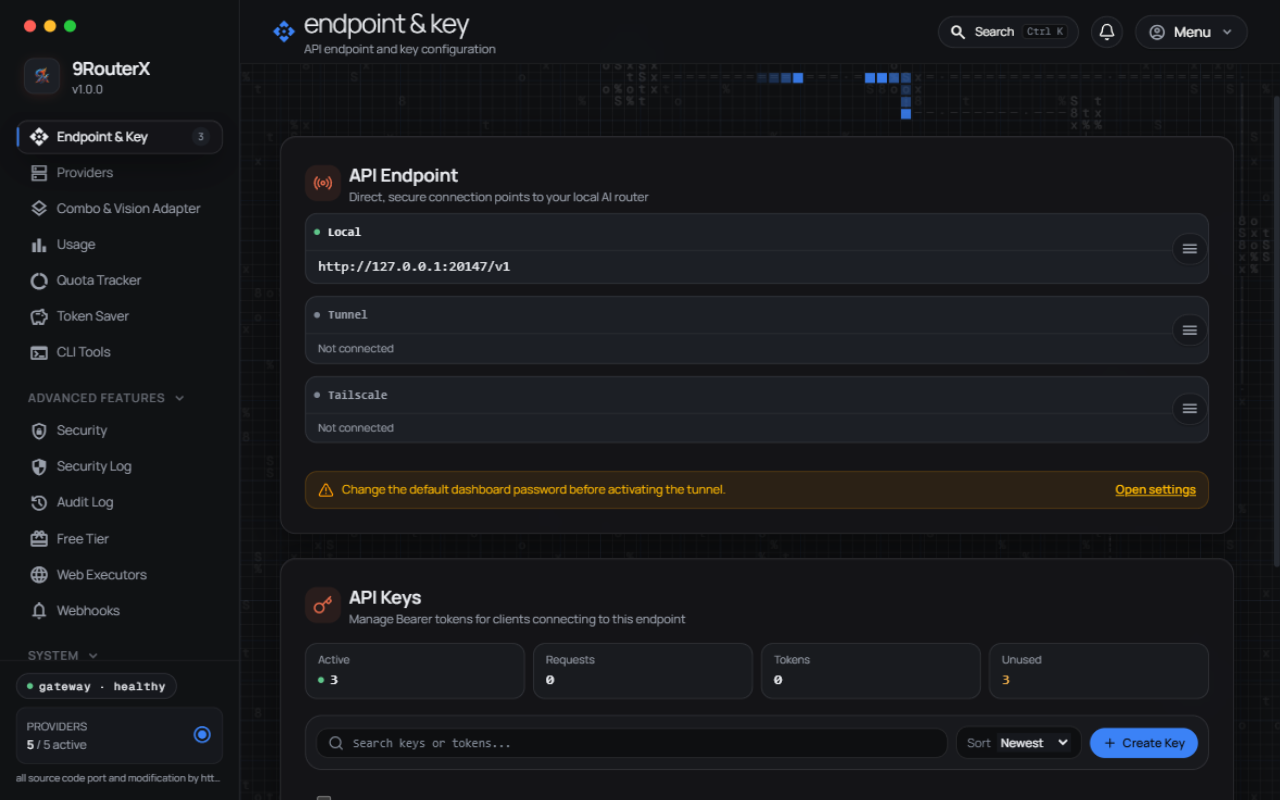
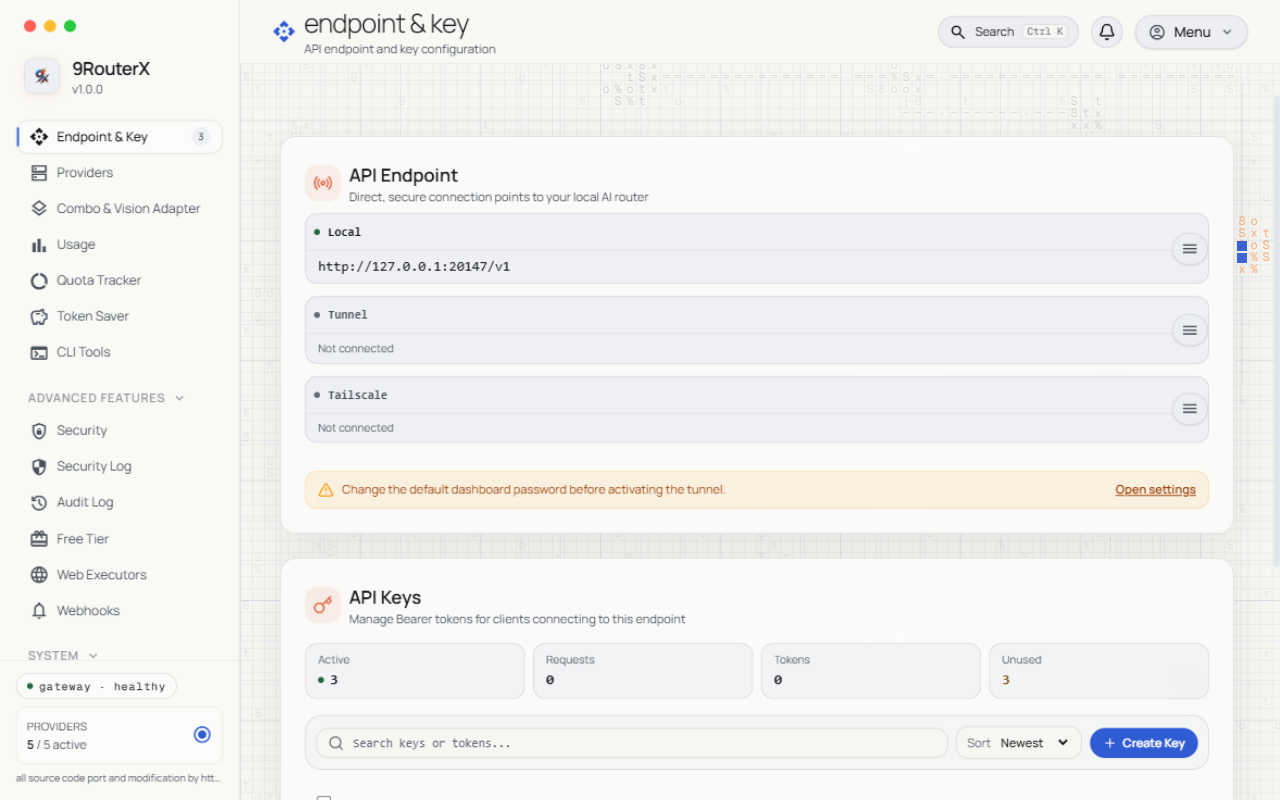
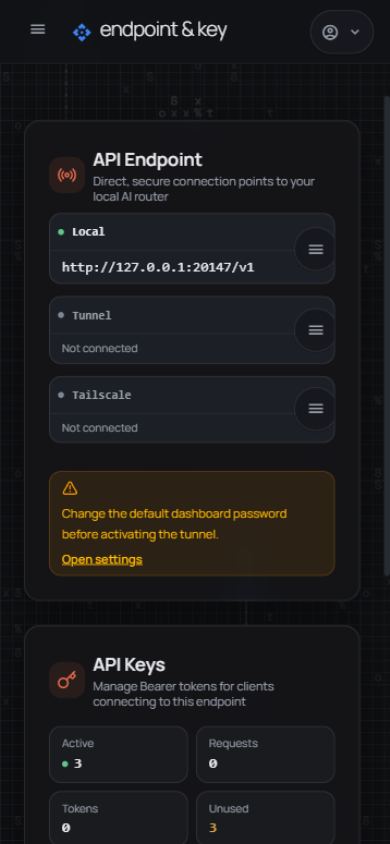
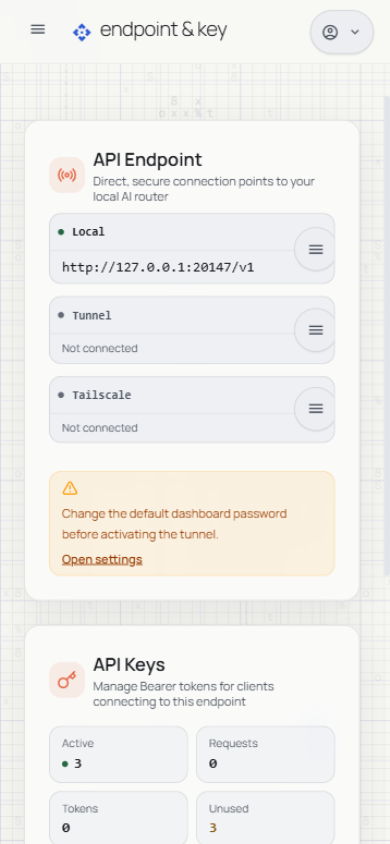
The key list carries per-key governance — policies, usage, and lifecycle actions — directly in the table:
Usage & analytics
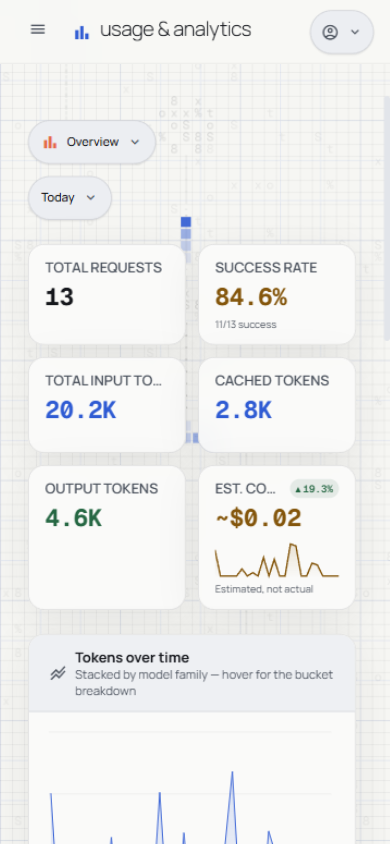
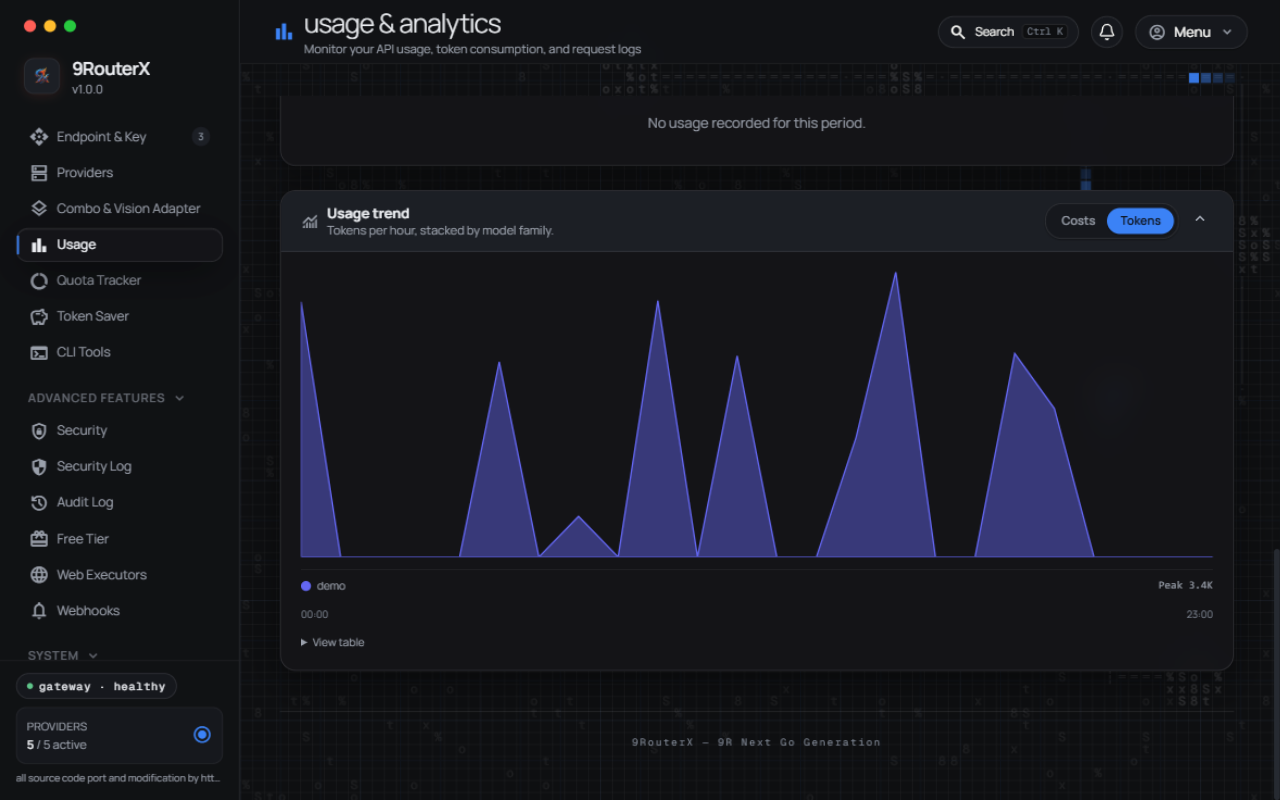
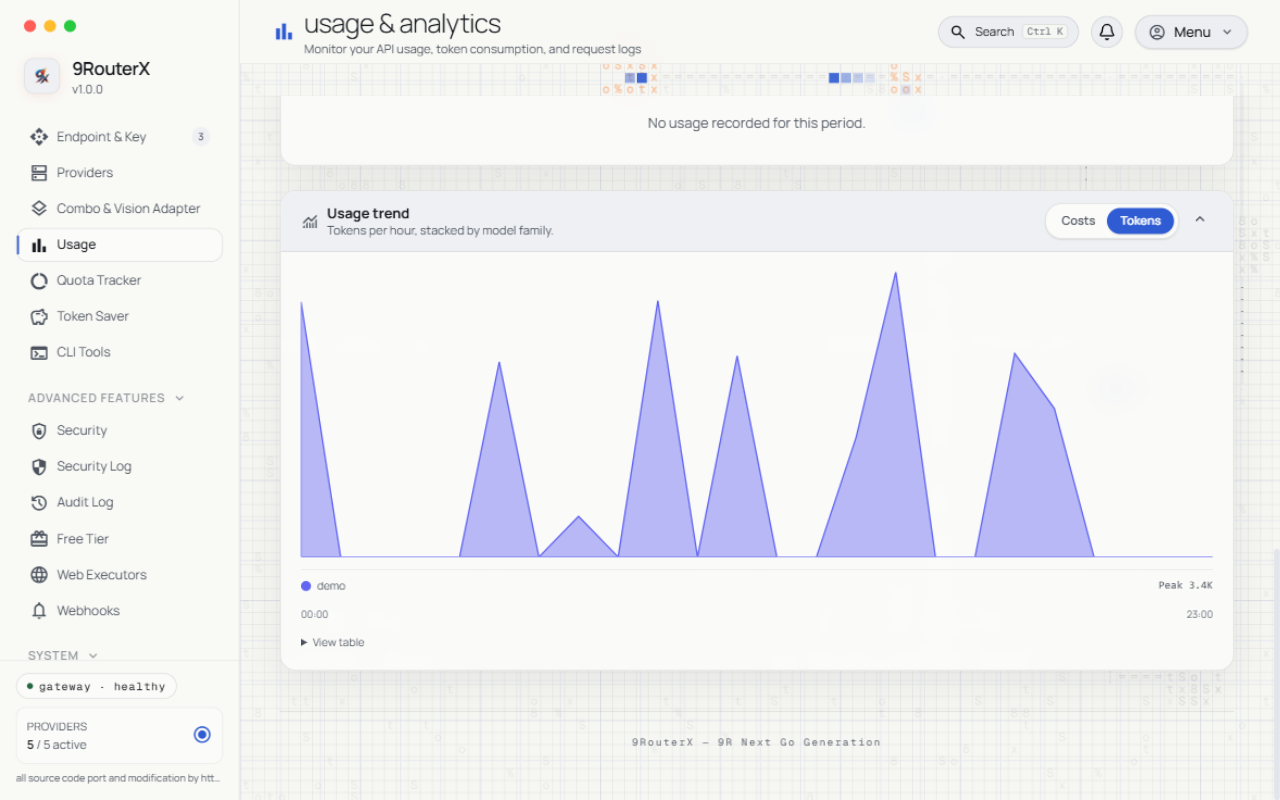
Live KPIs, the tokens-over-time chart, and the provider topology map, all fed by the same usage ledger the budgets read.
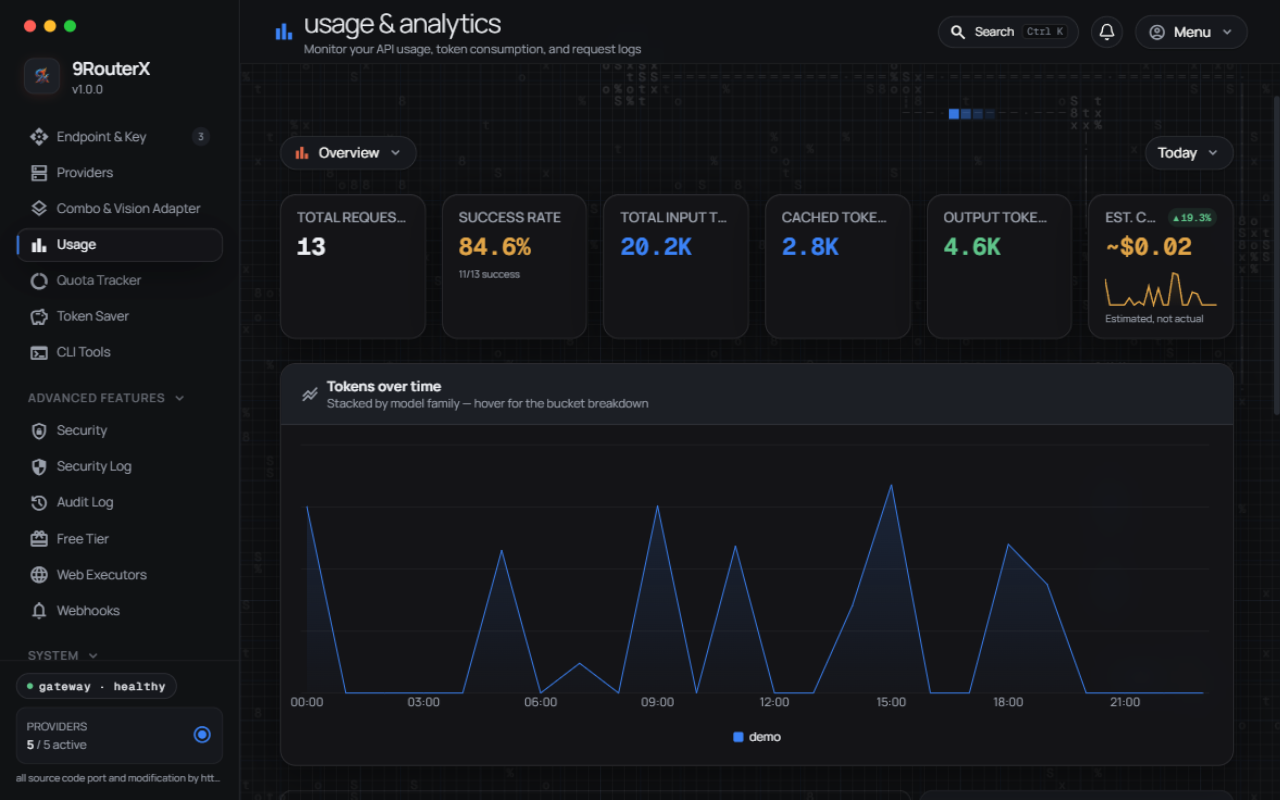
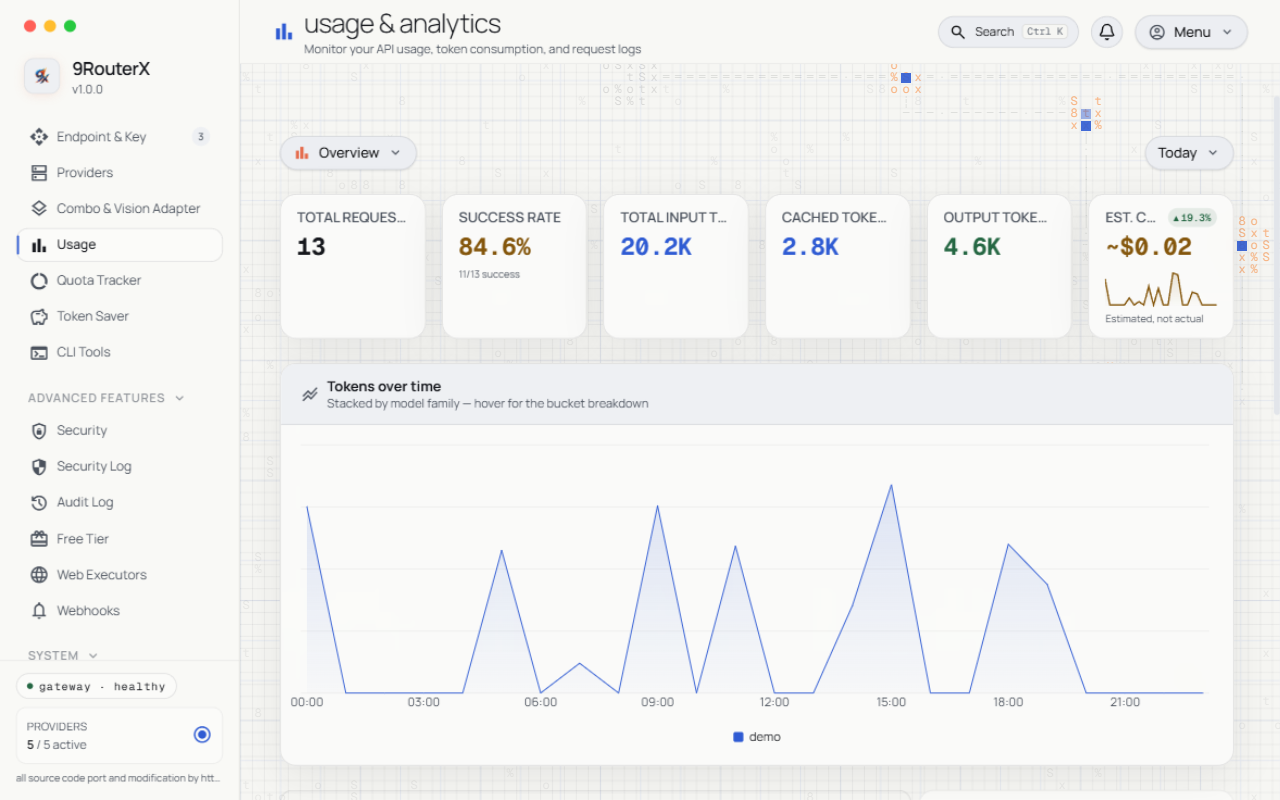
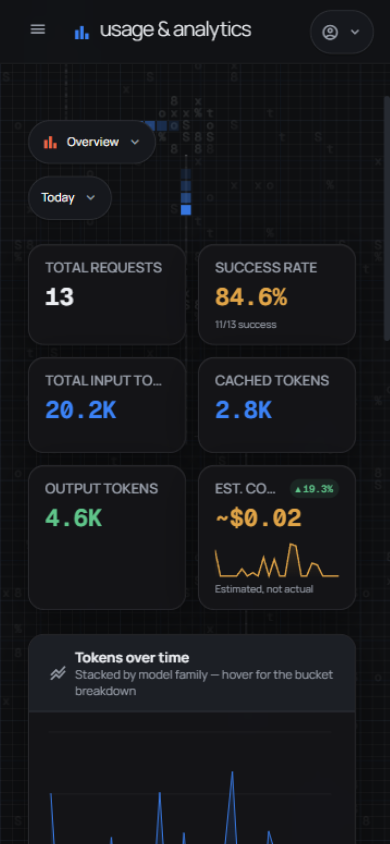
Charts and trend views:
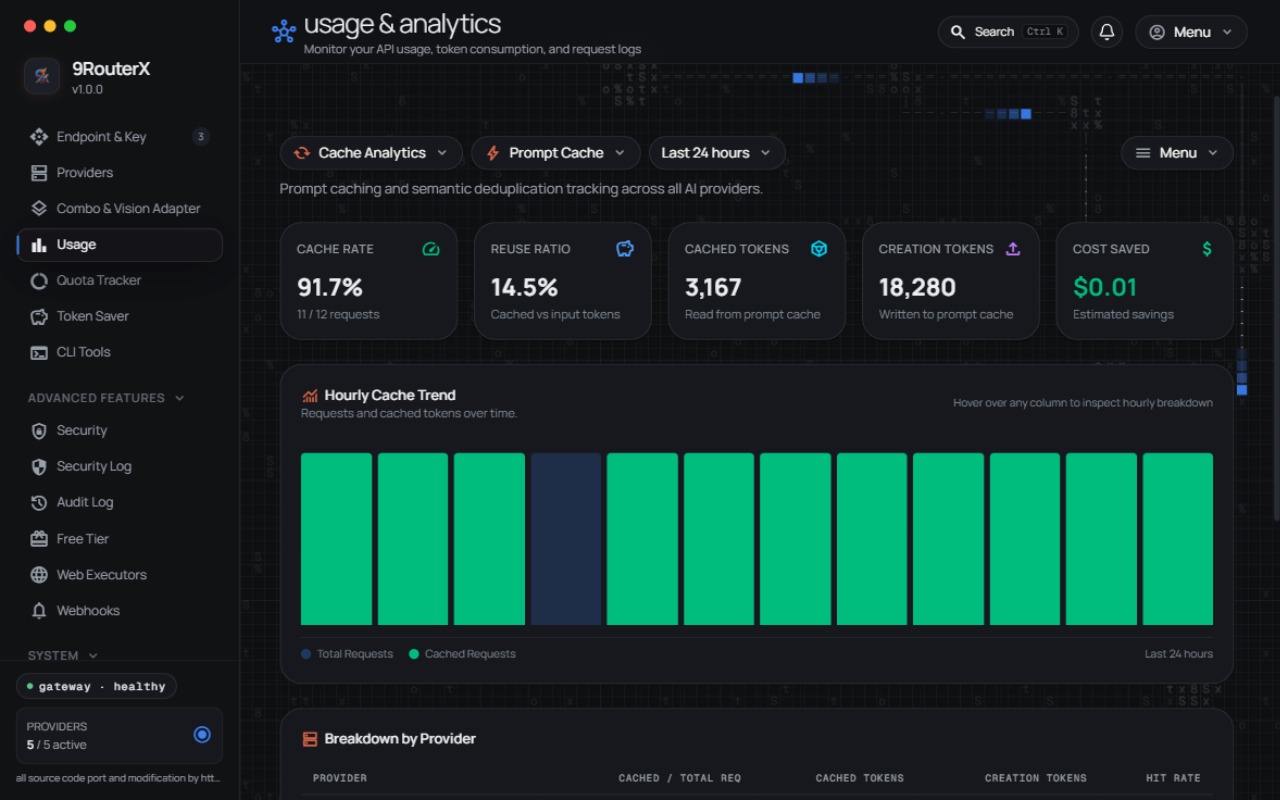
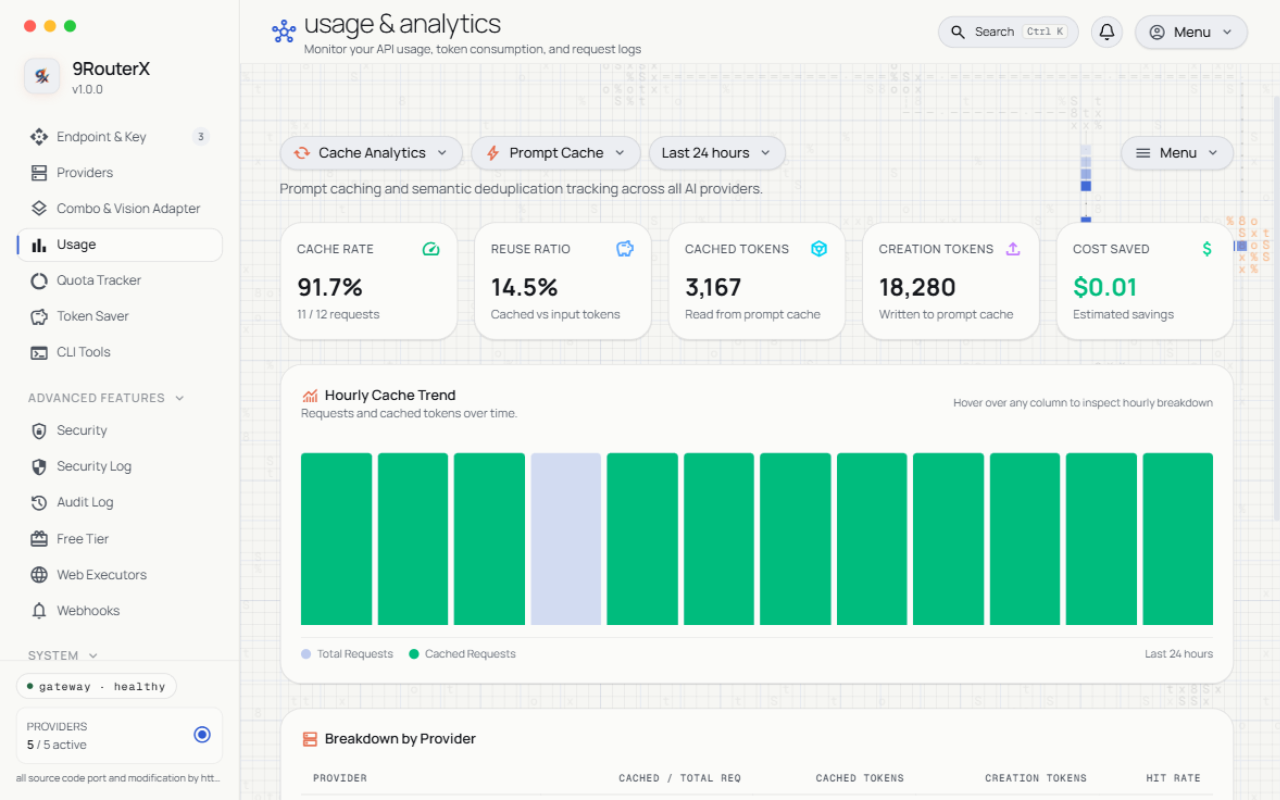
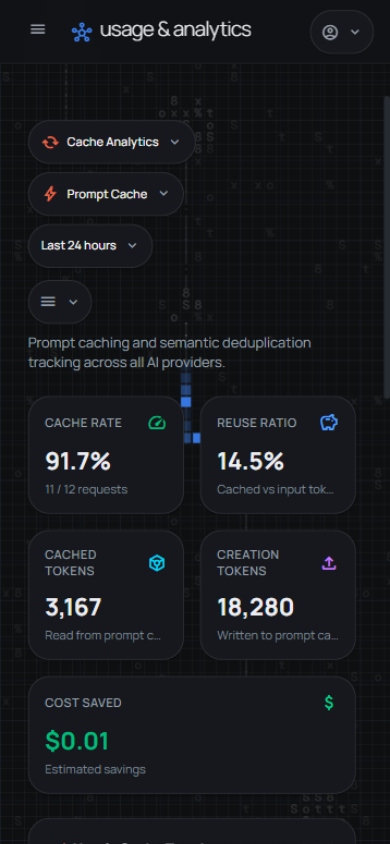
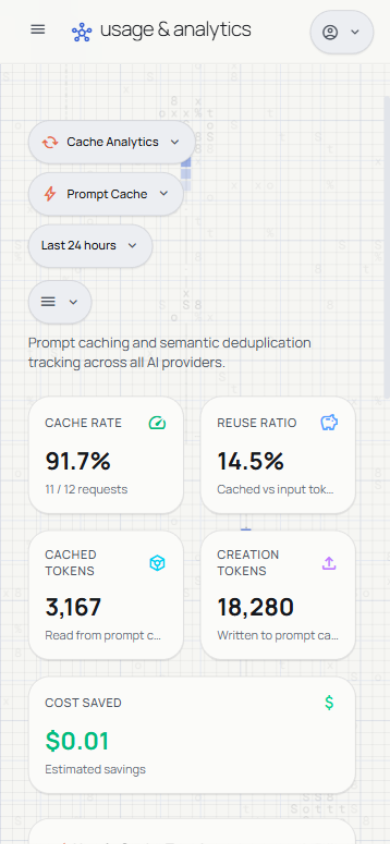
Cache analytics
Prompt-cache hit rate, reuse ratio, and the hourly cache trend:
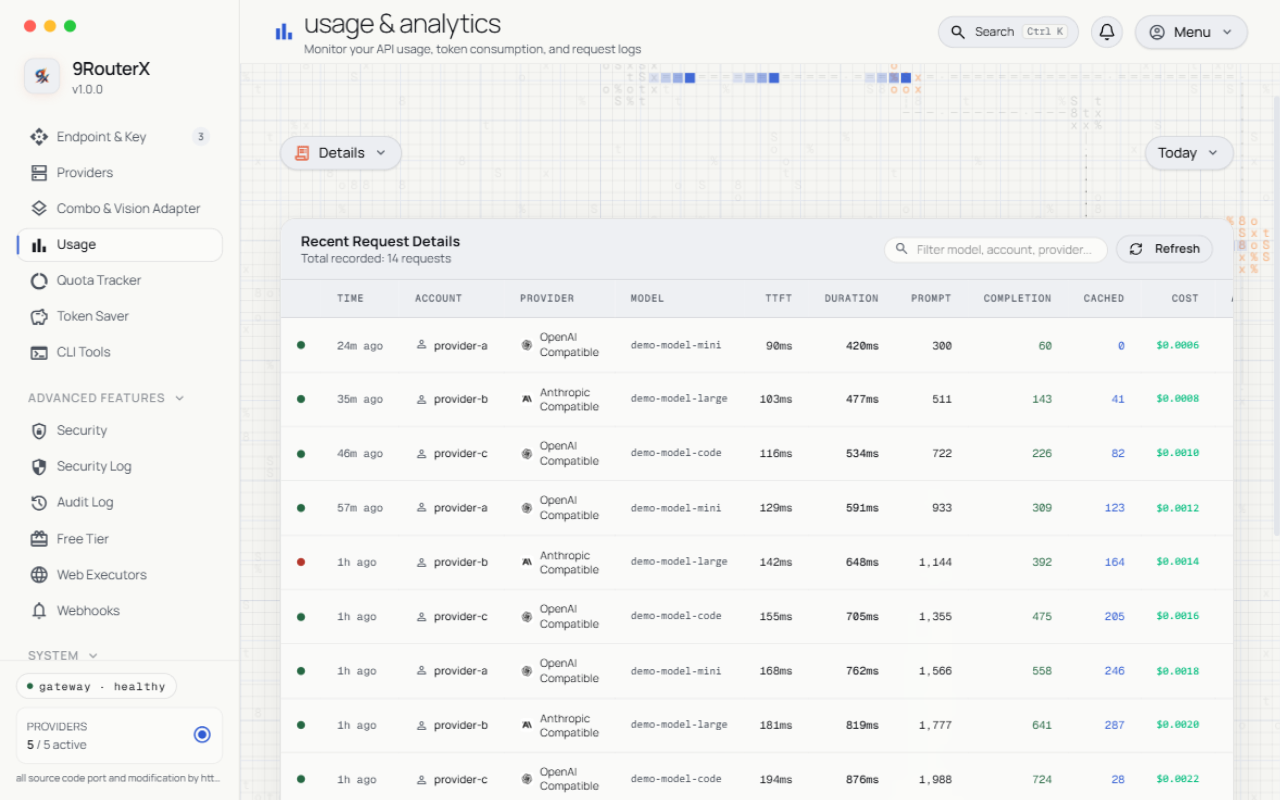
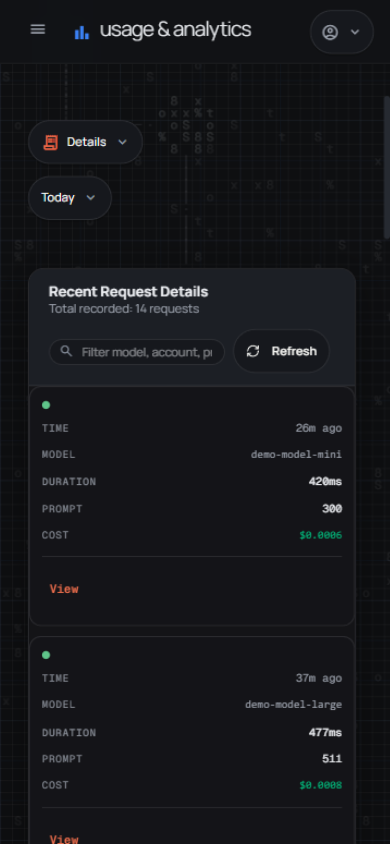
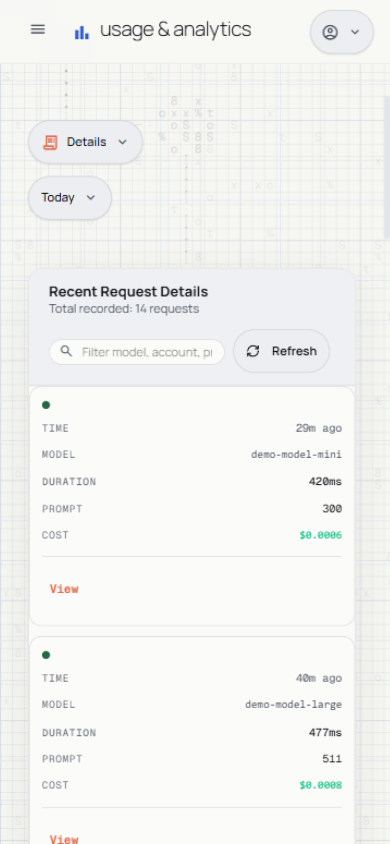
Request logs
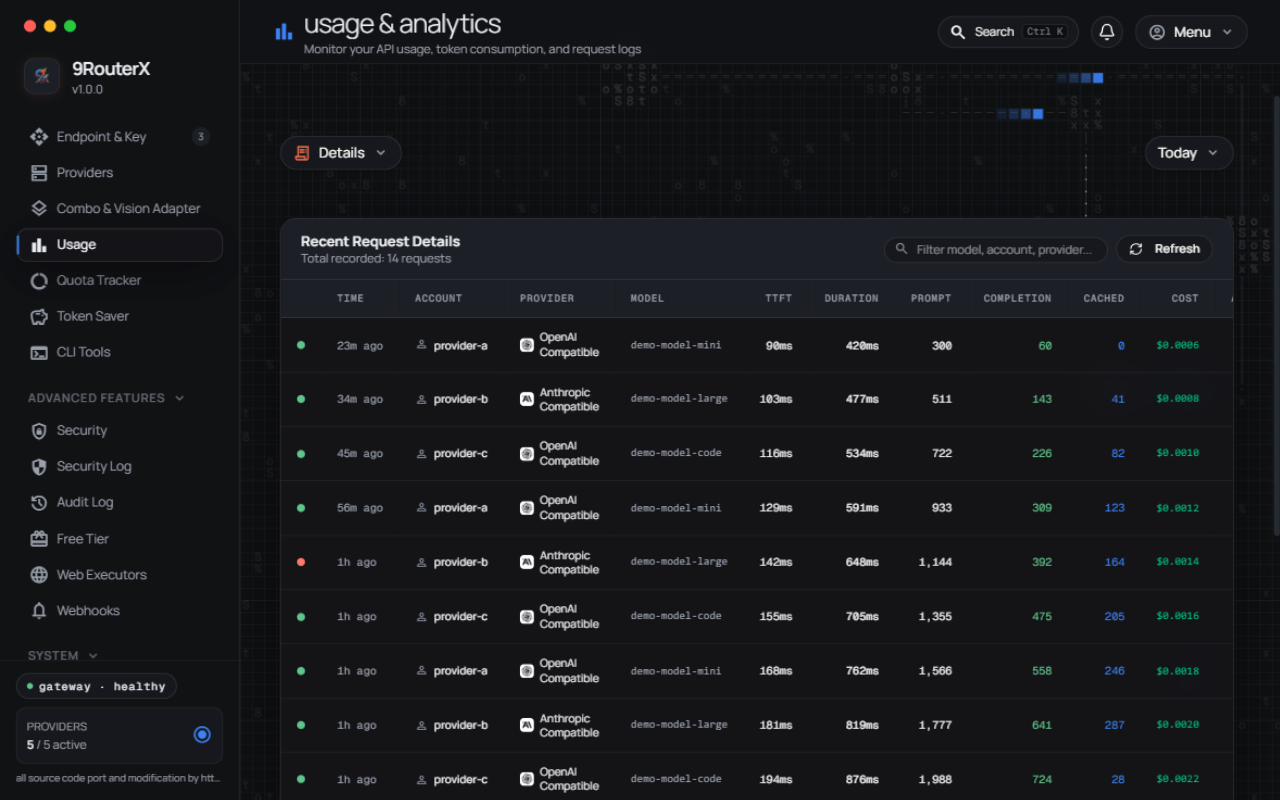
Every recorded request, with latency, tokens, cost, and the full payload one click away:
Settings
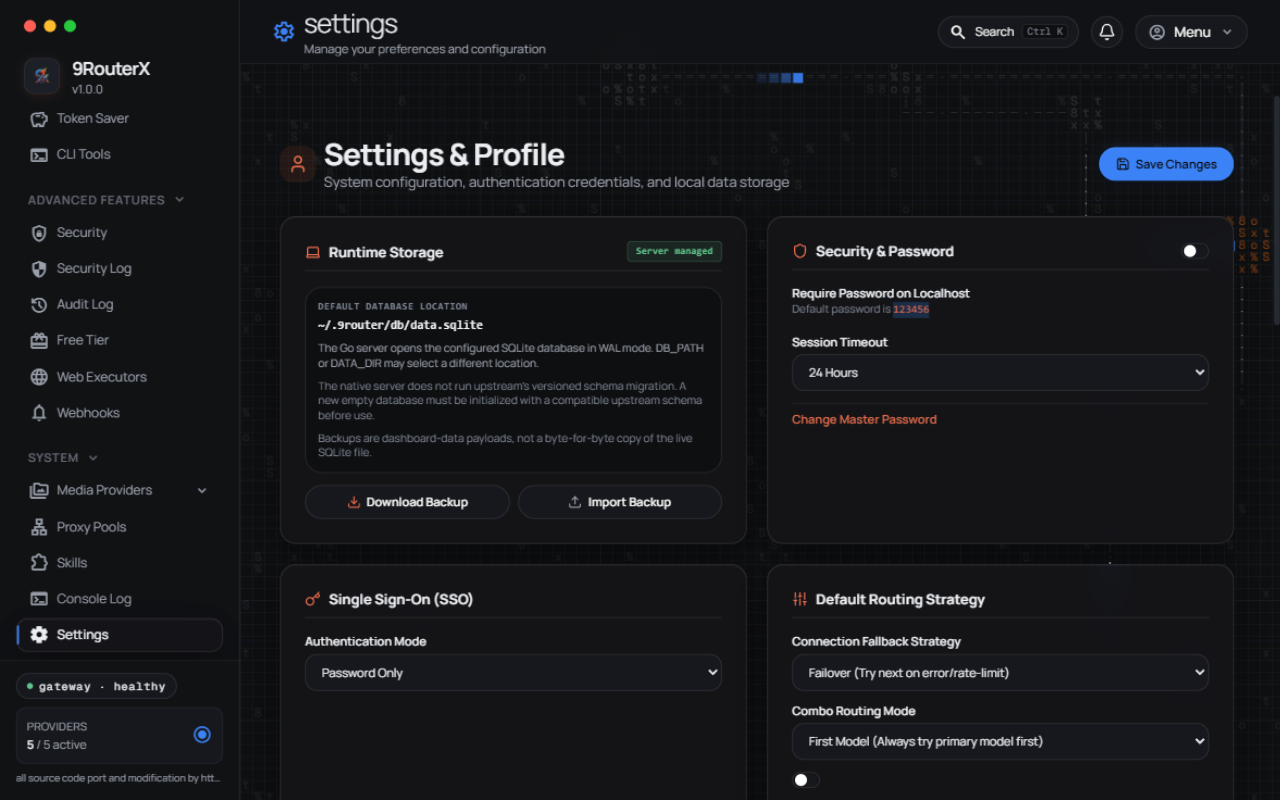
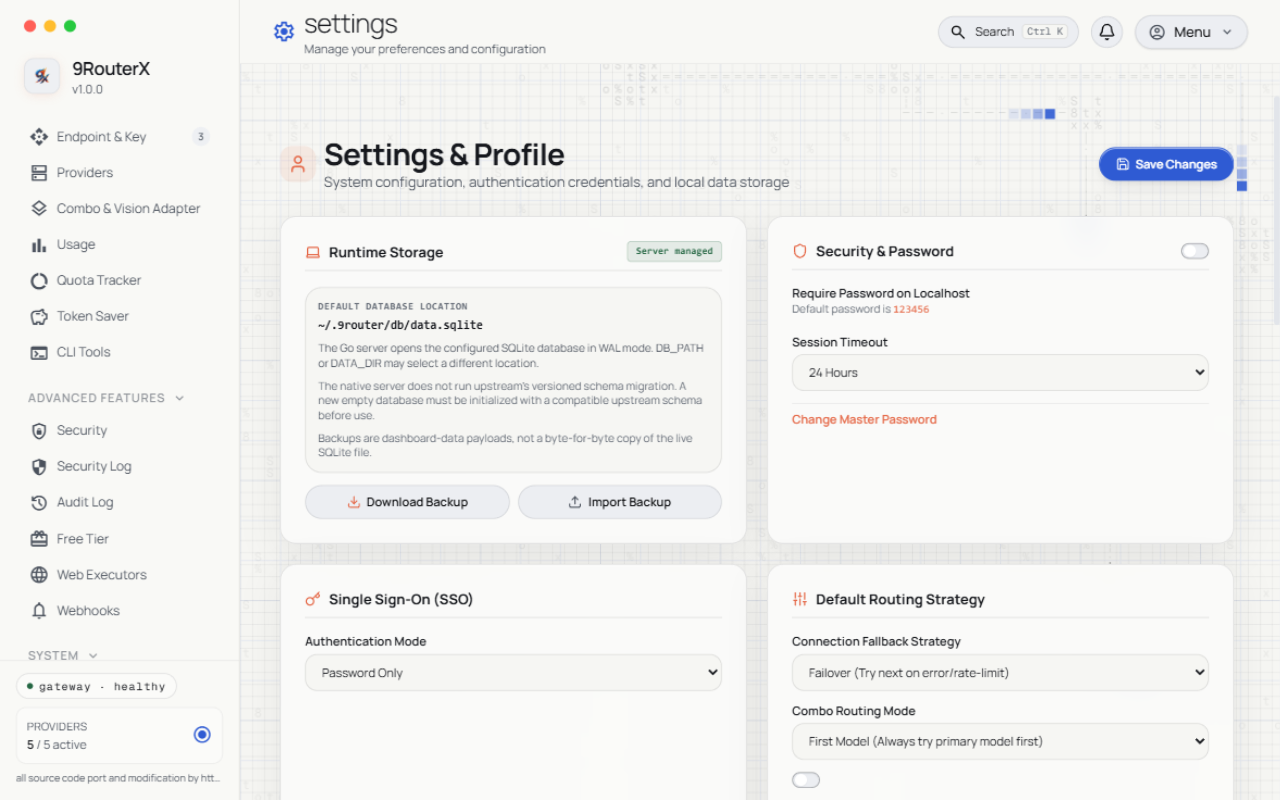
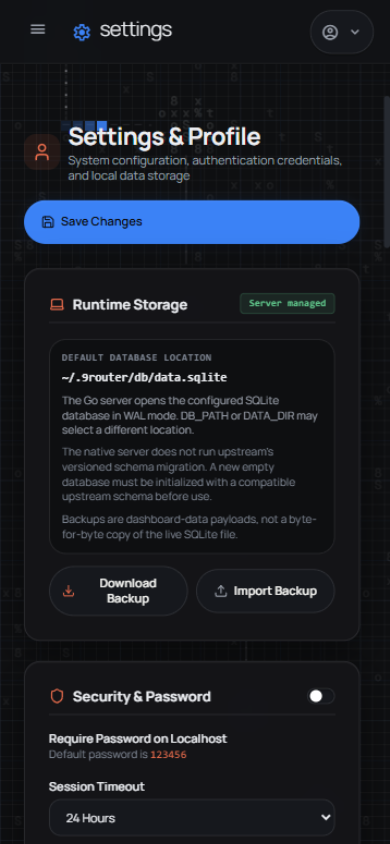
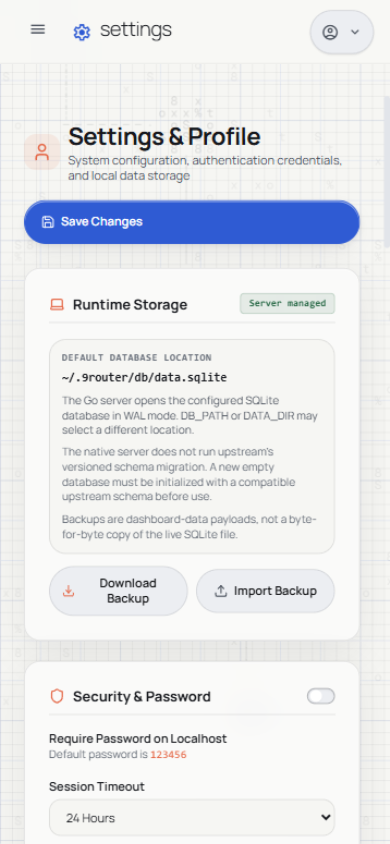
Runtime storage, session security, SSO, routing strategy, retention, branding, and display preferences: